Guess the Word: Photo PuzzleResimden Kelime Tahmin Et

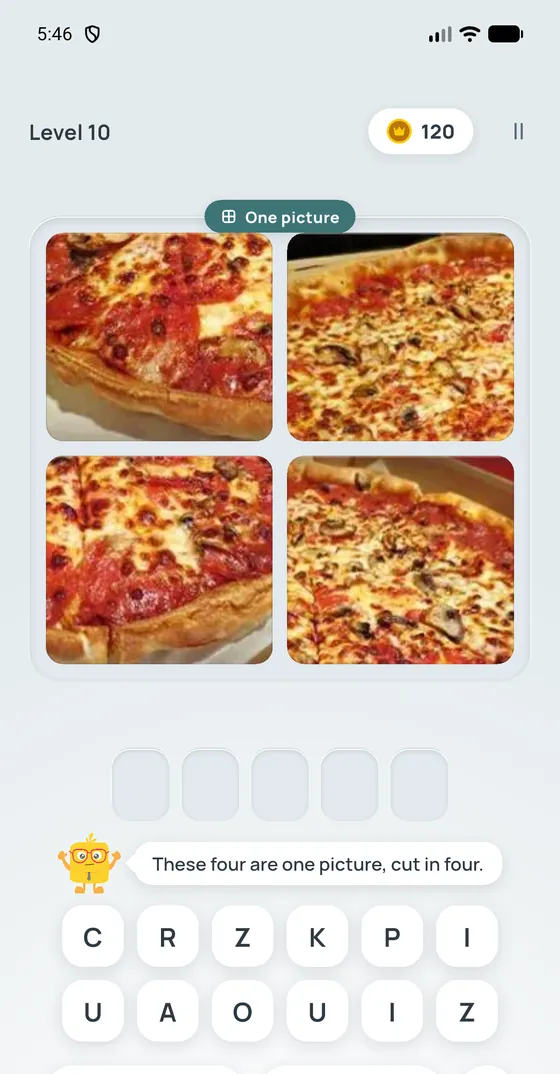
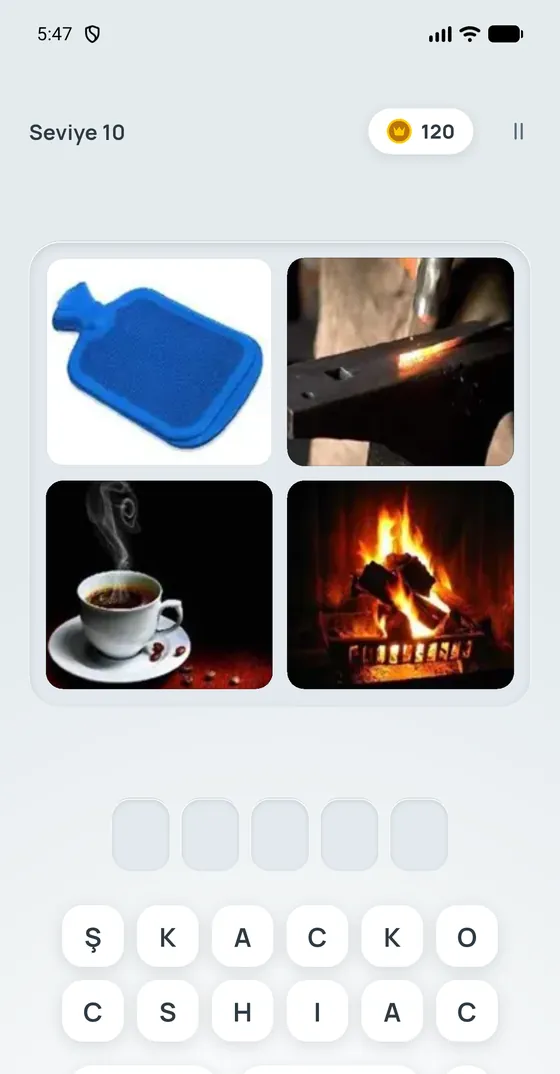
Four photos share one word. Tap the letters to spell it: 12,900 words in 16 languages, with new packs arriving as you play.Dört resim, tek kelime. Harflere dokunup kelimeyi yaz: 16 dilde 12.900 kelime, yeni paketler sen oynarken iniyor.

Support

Write to support@kubilayyilmaz.tr in English or Turkish. It helps to mention your phone model and the language you play in.

  • A pack does not download

    New packs download while you play, so the next one is usually ready before you need it. If it isn't, check your connection; the game tries again by itself. The first 50 words of every language play without a connection.

  • A purchase did not arrive

    Open the game again with a connection: the store delivers an unfinished purchase then. For "Remove ads", open the Shop (tap your gold) and choose "Restore purchases". If it still doesn't show, write to us with the order number from your store receipt.

  • My progress is gone

    Progress is stored only on your device, so it cannot be brought back after deleting the game or changing phones. On Android, if you played the earlier version of the game on this phone and your progress did not carry over, look for Settings › Restore progress.

  • A photo or word is wrong

    Tap the flag on the game screen and pick what's wrong. Fixes reach you without an app update.

  • Privacy choices

    In the EEA, the UK and Switzerland: Settings › Privacy preferences. On iPhone, tracking is in iOS Settings › Privacy & Security › Tracking.

Destek

support@kubilayyilmaz.tr adresine Türkçe ya da İngilizce yazın. Telefonunuzun modelini ve hangi dilde oynadığınızı yazarsanız daha hızlı yardım edebiliriz.

  • Paket inmiyor

    Yeni paketler siz oynarken iner, bu yüzden sıradaki genellikle siz gelmeden hazırdır. Hazır değilse bağlantınızı kontrol edin; oyun kendisi yeniden dener. Her dilin ilk 50 kelimesi bağlantısız oynanır.

  • Satın aldığım şey gelmedi

    Oyunu bağlantı varken yeniden açın: mağaza tamamlanmamış satın almayı o zaman teslim eder. "Reklamları kaldır" için Mağaza'yı açın (altınınıza dokunun) ve "Satın almaları geri yükle"yi seçin. Yine görünmüyorsa mağaza makbuzunuzdaki sipariş numarasıyla bize yazın.

  • İlerlemem kayboldu

    İlerleme yalnızca cihazınızda tutulur; oyunu sildikten ya da telefon değiştirdikten sonra geri getirilemez. Android'de oyunun önceki sürümünü bu telefonda oynadıysanız ve ilerlemeniz gelmediyse Ayarlar › İlerlemeyi geri yükle satırına bakın.

  • Bir resim ya da kelime yanlış

    Oyun ekranındaki bayrağa dokunup sorunu seçin. Düzeltme uygulama güncellemesi beklemeden size ulaşır.

  • Gizlilik tercihleri

    AEA'da, Birleşik Krallık'ta ve İsviçre'de: Ayarlar › Gizlilik tercihleri. iPhone'da izleme iznini iOS Ayarlar › Gizlilik ve Güvenlik › İzleme'den değiştirebilirsiniz.